
How to add a countdown timer to a Kajabi email
Kajabi can display a CountingDownTo animated countdown directly inside an email broadcast. The setup takes a few minutes: copy the HTML from CountingDownTo, paste it into a Kajabi Text section, and use Preview to check the finished email.
1. Copy your email countdown HTML
Create or edit an Email Countdown in CountingDownTo. Click Add to my email, then copy the complete HTML snippet. It contains both the animated countdown image and the link back to your countdown page.
2. Paste the countdown into Kajabi
- In Kajabi, open Marketing → Email Campaigns.
- Create or edit an email broadcast and select Edit Content.
- Add or open a Text section.
- Select the Source code button in the text toolbar.
- Paste the CountingDownTo HTML, select OK, and save the email.
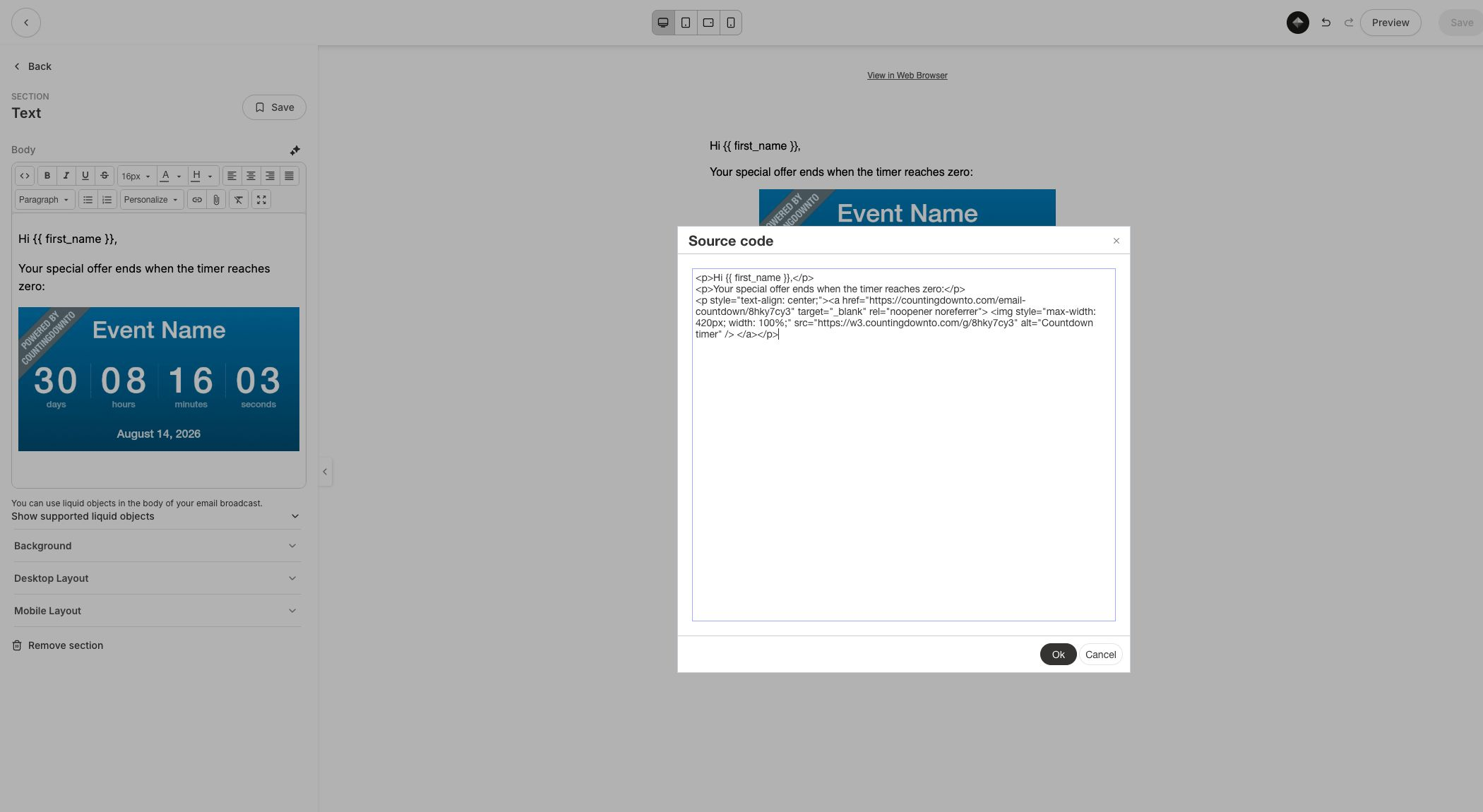
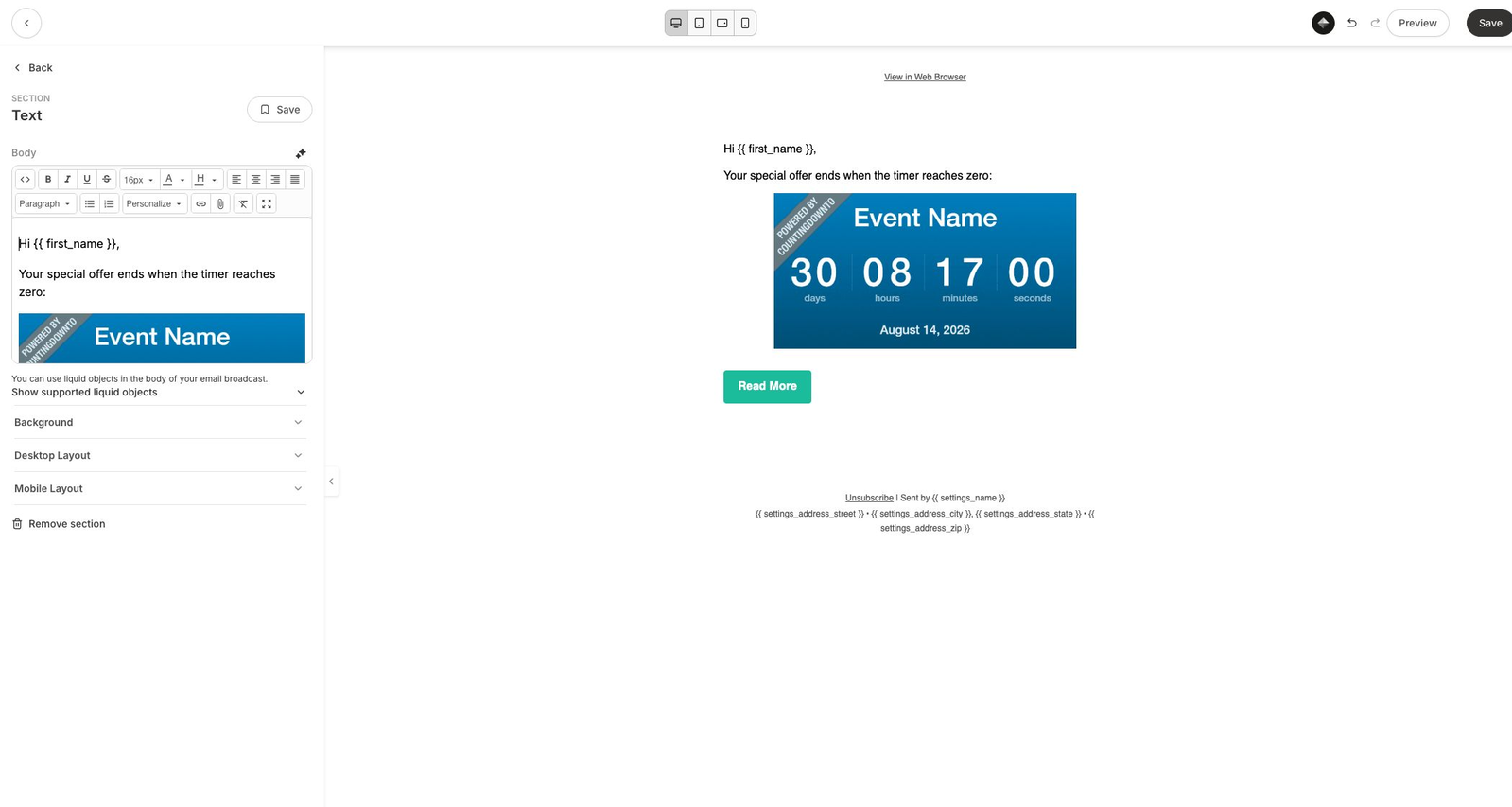
Once you select OK, the countdown appears in the email body. The timer is an animated image, so it works within the restrictions imposed by normal email clients.
3. Preview the Kajabi email
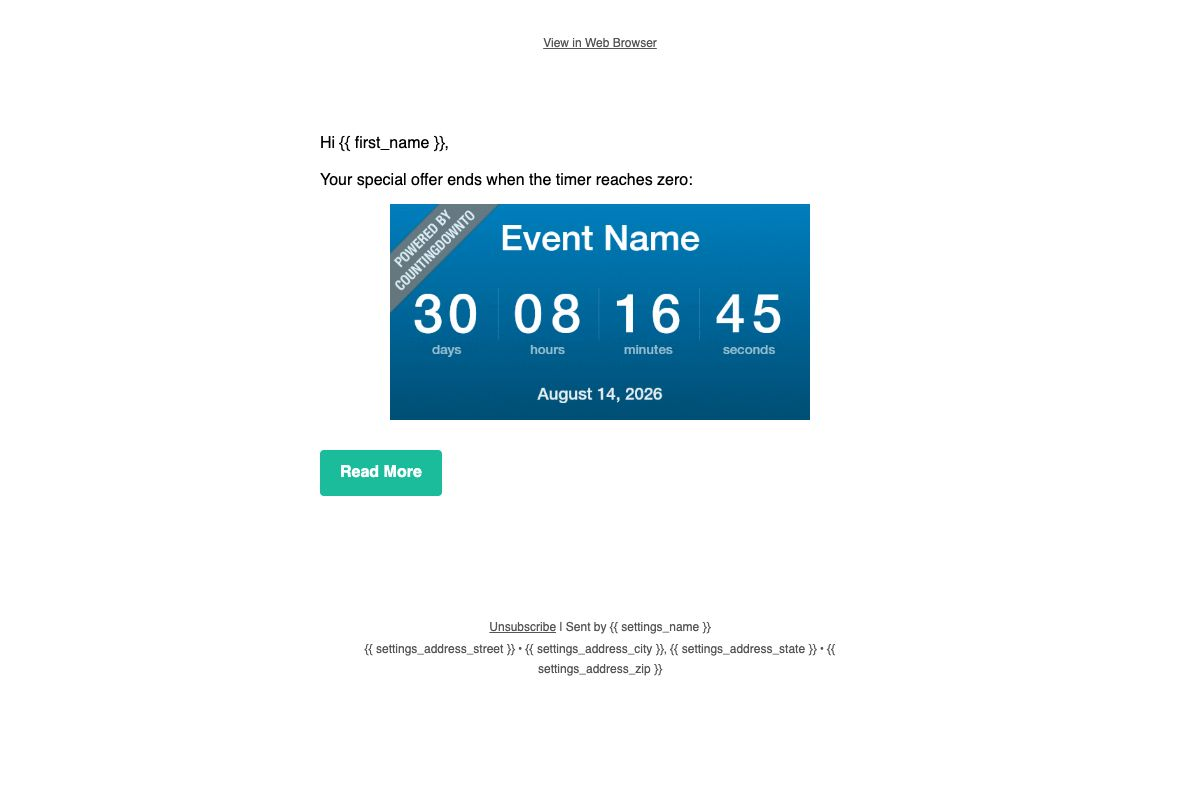
Save your changes, then select Preview at the top of the Kajabi editor. Confirm that the timer is visible, the date is correct, and clicking the timer opens the intended countdown page.
Important: use a Text section, not Kajabi's Countdown section
Kajabi has its own section named Countdown. That creates a Kajabi timer and is separate from CountingDownTo. To use the timer you designed in CountingDownTo, paste our generated HTML into a Text section's Source code view.
Test the email before scheduling it
Use Send test email and open the message in the email clients your audience uses. The timer should appear as an animated image. Some inboxes cache images, so the displayed time may refresh when the message is reopened.
Personal deadlines for each Kajabi subscriber
Honest Deadlines, part of Pro, gives each subscriber their own deadline. Kajabi has no webhook for new subscribers, so in Kajabi each deadline starts when the subscriber first clicks your link. Opening the email does not start it. Read the Honest Deadlines setup guide for what you need, how to test and the known limits.
- Open your countdown page in the CountingDownTo editor, click Honest Deadlines, then Enable deadline campaign.
- Click Snippets & setup and choose the Kajabi tab. This sets the campaign to start deadlines on first click.
- Go back to the campaign and click Activate campaign.
-
Copy the Tracking link. It ends with Kajabi's merge tag for the
subscriber's email address:
https://countingdownto.com/d/YOUR_LINK_TOKEN?e={{ email }} -
In Kajabi, use it as a text link (select the text, choose Insert/edit link
and paste the whole link) or as a button's URL (set Link Action
to Go to a URL). The editor's Personalize
menu inserts the same
{{ email }}value. - To show each subscriber's countdown image, paste the Email GIF code into a Text section's Source code view, as in step 2 above. The image shows a deadline only after the subscriber has clicked the link.
Testing
- In Snippets & setup, Open my link opens your link with your account's email address. It starts a real deadline for that address.
-
Kajabi test emails put
[email protected]in place of the merge tag. Clicking the link in a test email starts a deadline for [email protected], not for you. - A forwarded email still carries the original subscriber's address, so whoever clicks it sees that subscriber's deadline.
Frequently asked questions
Does Kajabi support animated countdown timers in email?
Yes. CountingDownTo produces an animated GIF inside normal email-safe HTML, and the Kajabi editor and Preview both render it.
Do I need a Kajabi plugin or API connection?
No. The standard countdown is a copy-and-paste HTML installation. There is no Kajabi plugin, OAuth connection, or API key to configure.
Why do I need Source code mode?
Source code mode preserves the image URL, responsive sizing, and link generated by CountingDownTo. Pasting only the visible image would omit part of that setup.
Ready to add a countdown to your Kajabi email?
Create your countdown